Do you have to track your time as a freelancer?
For self-employed people there is no general legal duty. The German Working Hours Act sets maximum hours and rest breaks for employees, meaning workers, salaried staff and trainees (section 2 (2) ArbZG). If you work on your own account, it does not cover you. If you employ people yourself, it applies to them.
A duty can still come from your contract. Many agencies and larger customers ask for a time sheet with each invoice, sometimes in a fixed format or in their own system. Check the billing clauses of your framework agreement.
Why it pays off anyway
- The invoice. A German invoice must state the scope and type of the service and the date or period it was performed (section 14 (4) sentence 1 nos. 5 and 6 UStG). Cleanly tracked time gives you both almost by itself: “32.5 hours of development, 1 to 31 October”.
- Fewer questions. A time sheet with date, duration and a short description answers “what exactly for?” before anyone asks.
- Budgets. If you agreed on a contingent or a fixed budget, you see in time when it runs low and can talk to your customer before you give hours away.
- Your rate. Only real numbers show how much time sales, email and coordination actually take, and whether your rate fits your working life.
How precise, how rounded
How finely you bill is an agreement between you and your customer, not a law. Common choices:
| Increment | When it fits |
|---|---|
| To the minute | long, continuous blocks of work |
| 15 minutes | consulting, support, many small tasks |
| 30 or 60 minutes | workshops, on-site appointments |
Put three things in writing, ideally in the quote: the increment, whether you round per entry or per day, and whether you round up or to the nearest step. Then nobody argues about a few minutes later. Rounding every short call up to a full hour without an agreement quickly feels unfair to customers.
Also separate billable from non-billable time. Non-billable time is worth tracking too, because it shows you where your time goes.
From time entry to invoice
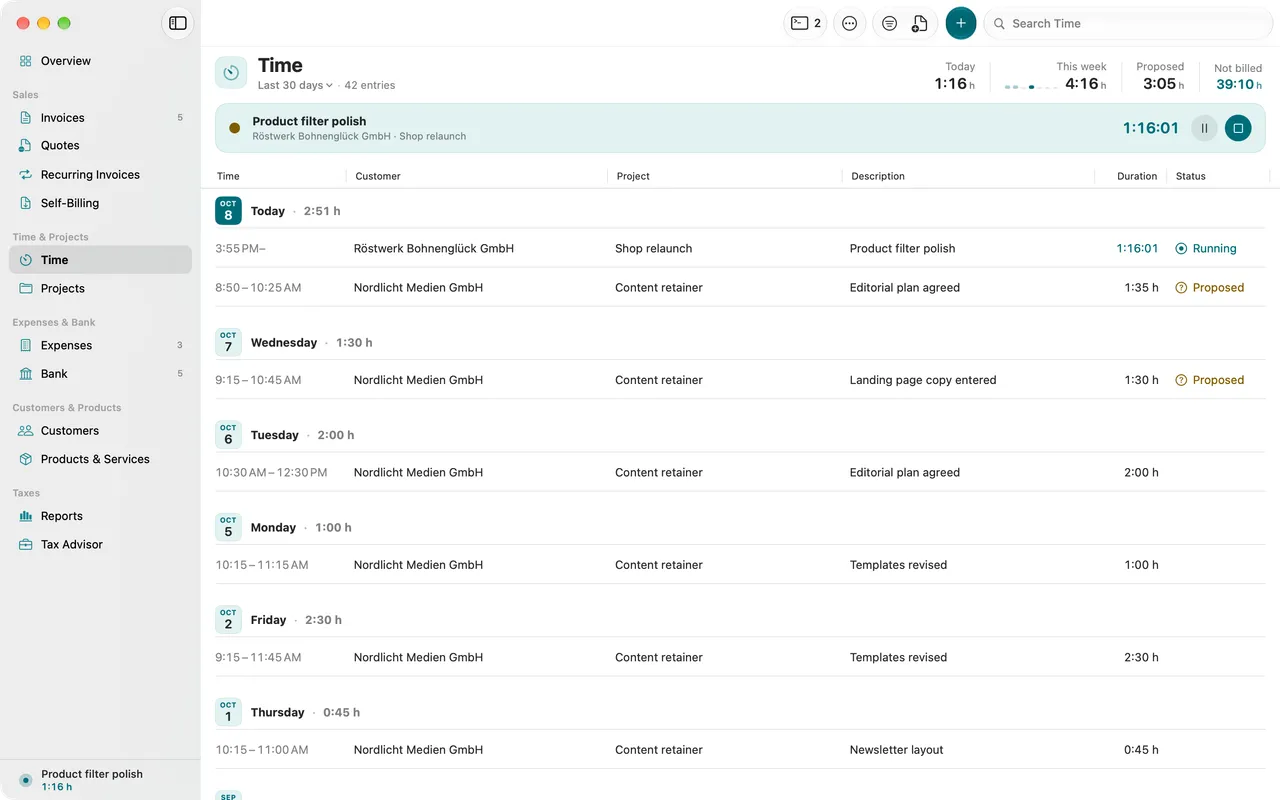
A good time entry has a date, a duration, a customer or project and a description your customer understands. “Login page: fixed password reset bug” helps more than “development”.
For the invoice you combine the entries of a period. You can show each entry as its own line item, make one line item per project, or write a single line item and attach the entries as a time sheet. What matters is that the service period is on the invoice and that the hours on invoice and time sheet match, both with the same rounding.
Once an entry is billed and the invoice has gone out, you do not change it. If you spot a mistake, you correct the invoice. For longer projects with advance payments, see the guide to partial and final invoices.
Common pitfalls
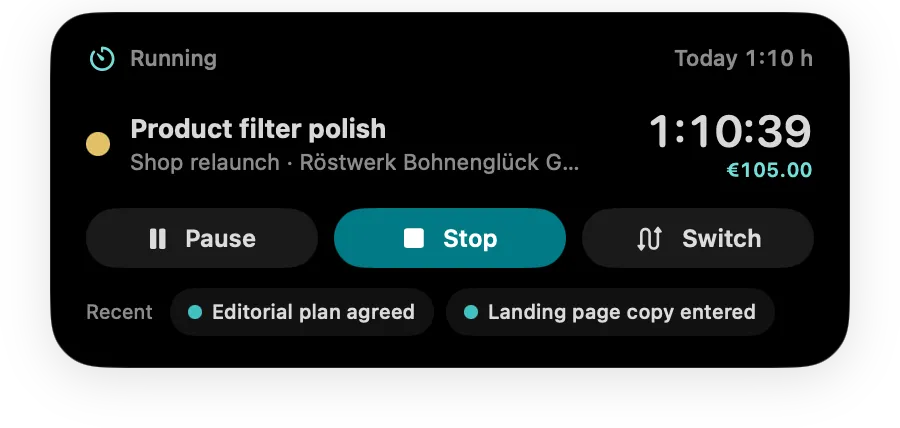
- Filling in from memory. What you enter on Friday for the whole week is usually too little. A running timer is more accurate.
- Forgotten timers. A timer that ran overnight should not go onto an invoice unchecked.
- Time past midnight. If an entry spans two days, daily totals and the service period are only right when it is split at midnight.
- Different numbers. If your time sheet shows 12 hours and the invoice 12.5, your customer will ask. Work out both from the same entries with the same rounding.