

Mac
Feels like the apps you already love.
No browser window and no web interface. Folnaro is built with SwiftUI for the current macOS and does what a Mac app should do.
- Menu bar and widgets
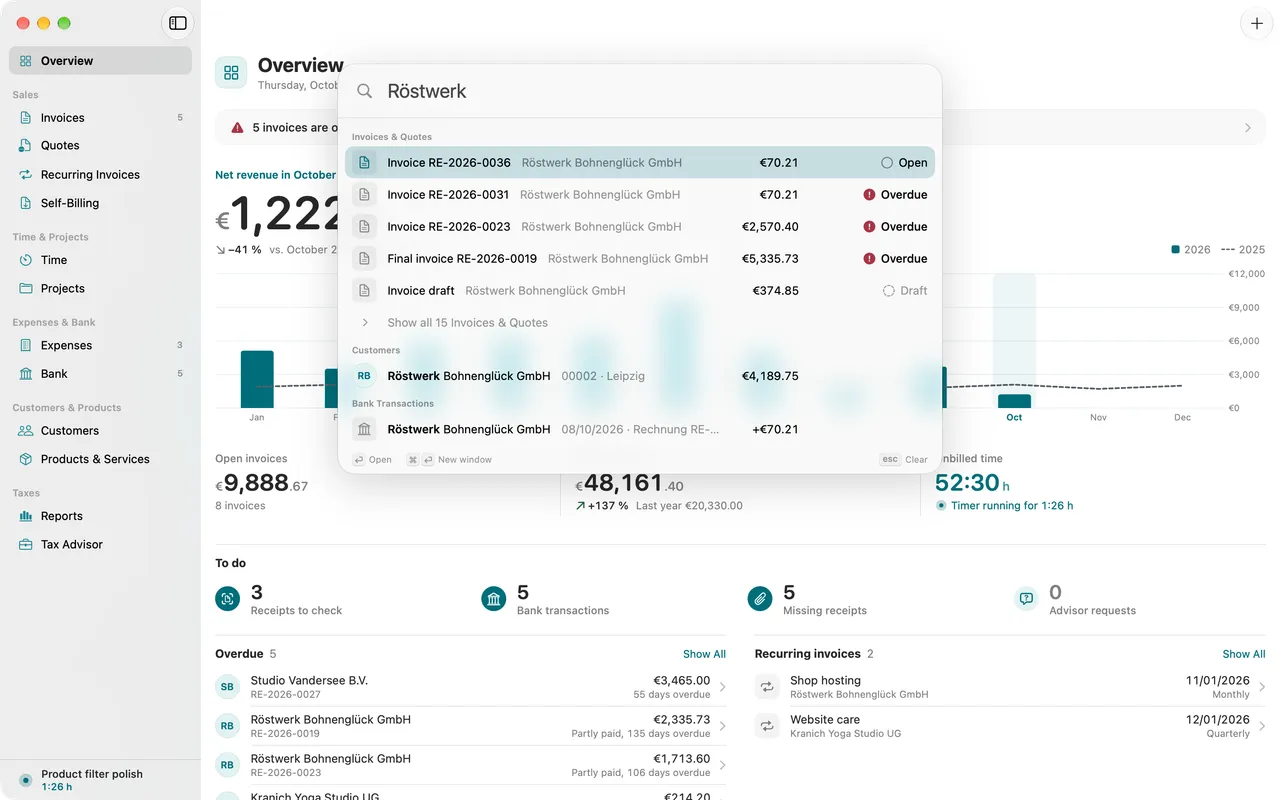
- Search and Capture from anywhere
- Spotlight and Shortcuts
- Touch ID lock
01
Search and Capture
One field for everything: search, run commands or capture in one line, from any other app too.
02
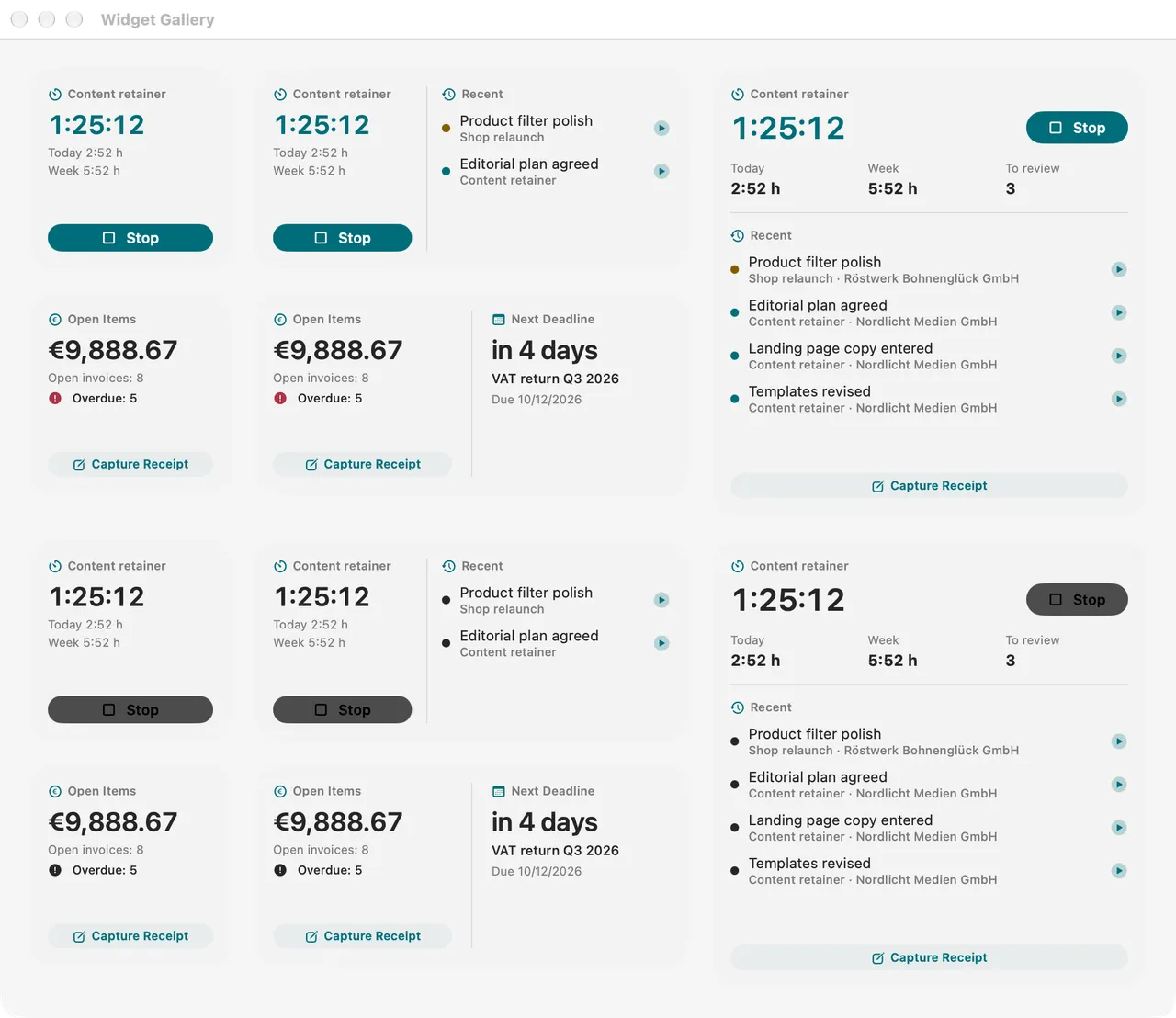
Widgets and Shortcuts
Timer and overview as widgets, Folnaro actions in Shortcuts and Spotlight.
03
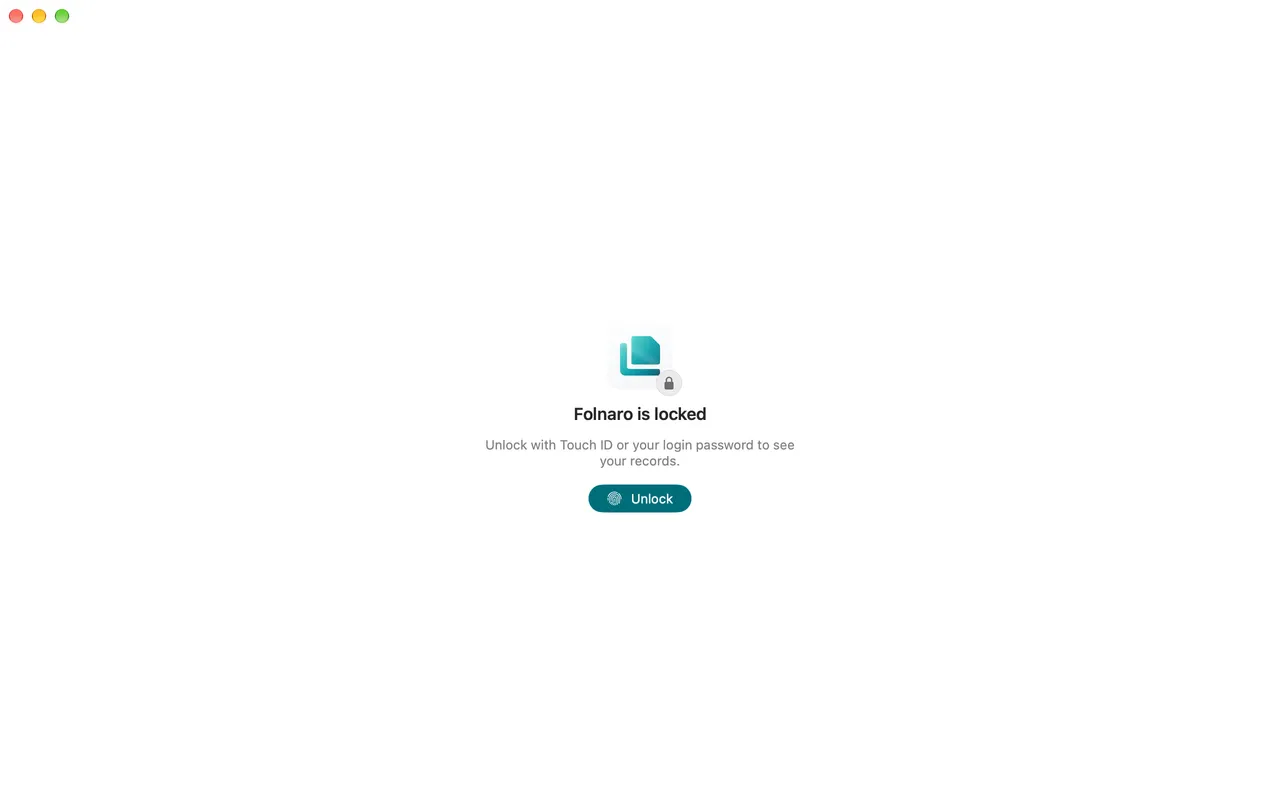
Touch ID lock
If you like, Folnaro locks itself and opens with Touch ID. Credentials live in the keychain.
Why it matters
When you work on your Mac all day, you do not want to hunt for a browser window to log time or a receipt. Folnaro sits where you already look: in the menu bar, the Dock, Spotlight and the Shortcuts app. With ⌃⌥⌘Space you capture an expense in one line from any app.
Good to know
If you like, Folnaro starts at login and stays in the menu bar when all windows are closed. Dark mode and increased contrast are designed for both appearances.
Questions
Which Mac do I need?
Folnaro runs on any Mac with macOS 26 or later. It is built with SwiftUI for the current macOS, and there is no web interface.
Does Folnaro start with my Mac?
If you like. Turn on Open Folnaro at login in Settings > General. Folnaro then starts quietly in the menu bar without opening a window.
Can I lock Folnaro from others?
Yes. With the app lock Folnaro hides your data until you unlock it with Touch ID or your login password. It locks at launch, during sleep and after an idle time you choose.
Goes well with

Try it with your own numbers.
Free for 30 days, no account and no payment details. Then subscribe or buy once, with the same features.